Your clipboard, across all your Macs.
Get an email when it’s on the Mac App Store.
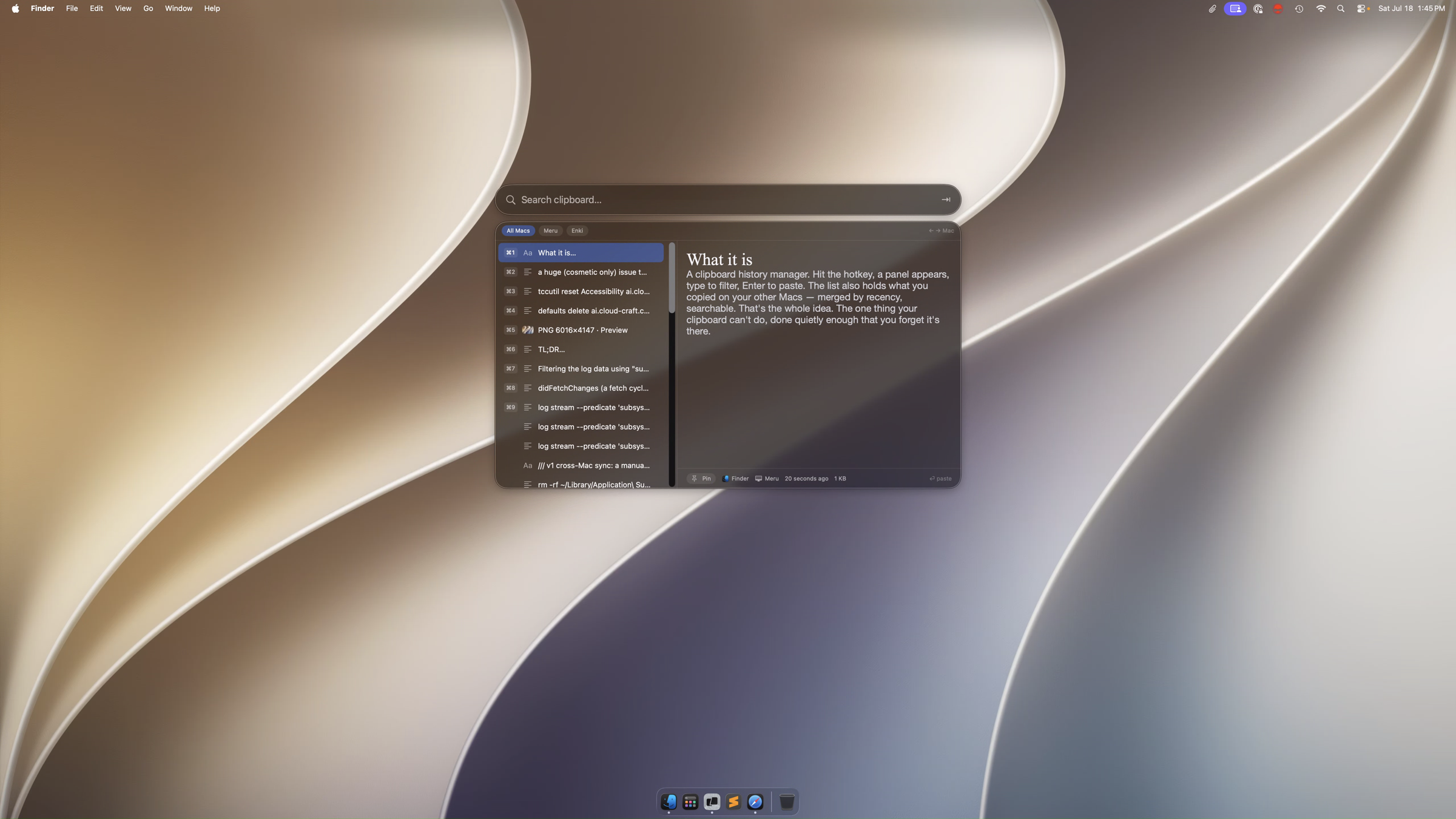
What it is
ClipBob remembers what you copy — on every Mac you own — and gives it back with one keystroke. Synced silently through your own iCloud.
A clipboard history manager. Hit the hotkey, a panel appears, type to filter, Return to copy, ⌘V to paste. The list also holds what you copied on your other Macs — merged by recency, searchable. That's the whole idea. The one thing your clipboard can't do, done quietly enough that you forget it's there.
Your clipboard stays yours
No account to create. No ClipBob server. No analytics. Just your Macs and your iCloud.
Your history moves between your Macs over CloudKit's private database — visible only to you, only on the Macs signed into your Apple ID. Nothing passes through a ClipBob server, because there isn't one.
When your password manager — or any app — marks a copy as secret, ClipBob skips it entirely: it's left in the clipboard, never enters your history, never syncs. Same for transient copies apps mark as throwaway. If you didn't mean to keep it, ClipBob doesn't.
Copy a file and ClipBob remembers where it is, not what's in it. It reads a file only to preview it, and only if you turn that on. File references never sync — they stay on the Mac that made them.
Return puts a clip on your clipboard and you press ⌘V. Sync goes through your own iCloud. No camera, mic, contacts, or automation. On disk, your history sits behind FileVault like everything else.
Small on purpose
One hotkey. Type to filter. Return, then ⌘V.
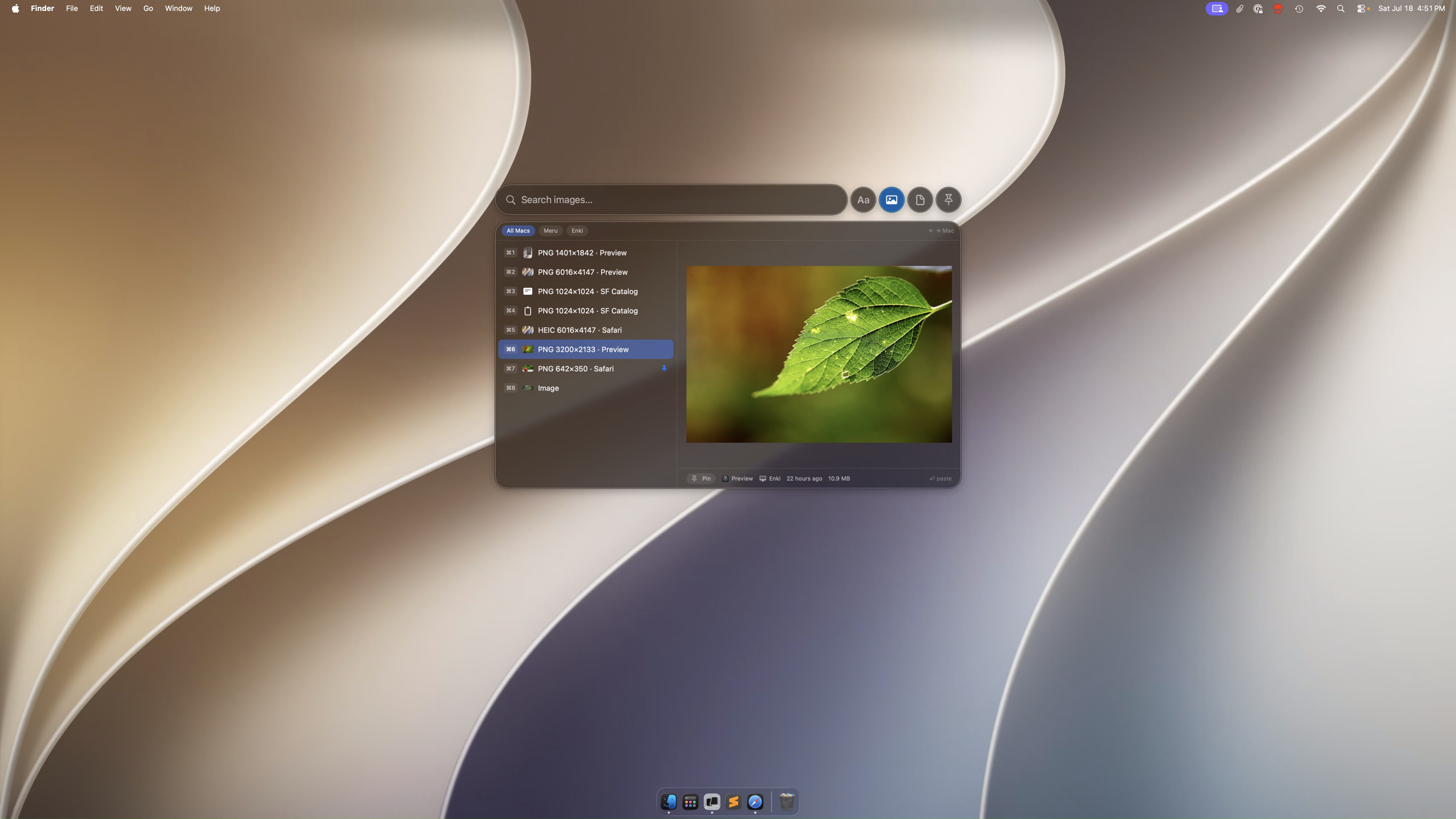
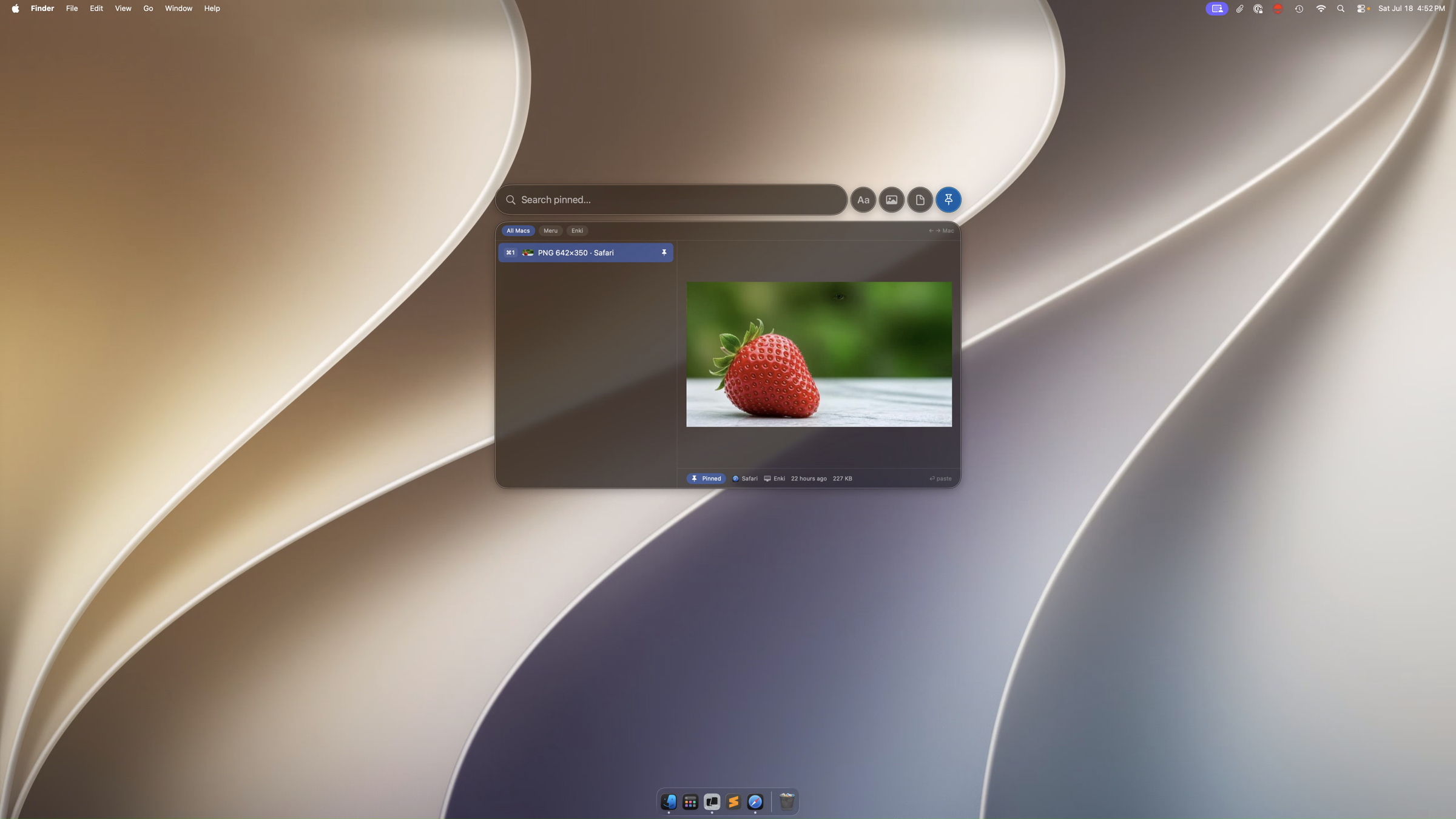
Tab steps through the scopes: Text, Images, Files & links, Pinned. Delete anything you don't want to keep. No accounts. No clutter.
Requirements: macOS 26 (Tahoe) · Apple Silicon · signed into iCloud for cross-Mac sync.
If you like this
Try Rustic Playground, another Mac app by the same author, or gitreceipts if you build with AI coding agents. Read the blog for notes on building this. Or subscribe for what else is coming.